


LEGO® DUPLO® World
4.2486.00 Reviews
App Specs
- Version
- 35.0.1
- Updated On
- License
- Free
- Downloads
- 10,000,000+
- Developer
- StoryToys
- Categories
- Educational
- Platform
- Android, iOS
Screenshots
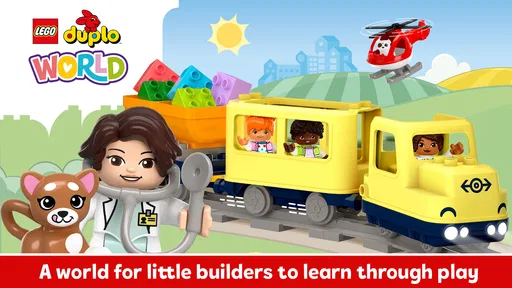
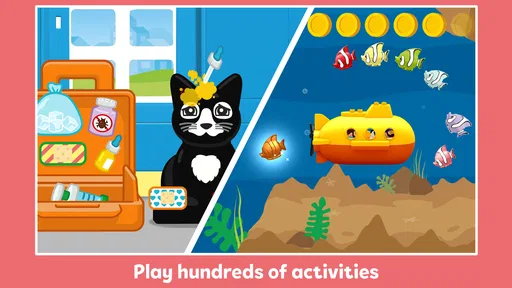
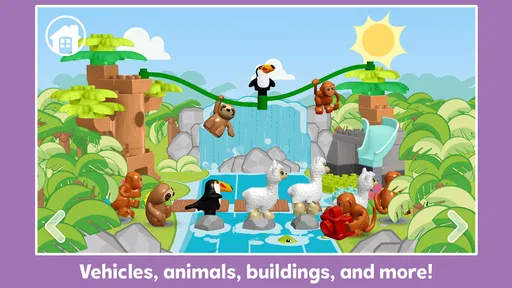
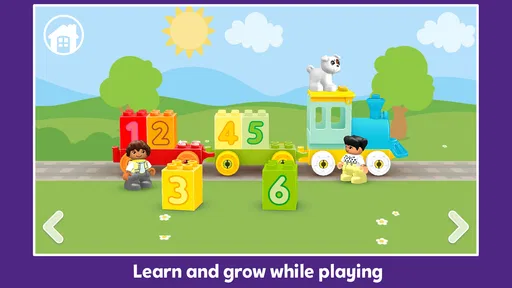
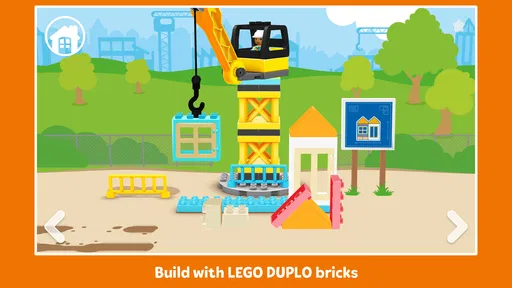
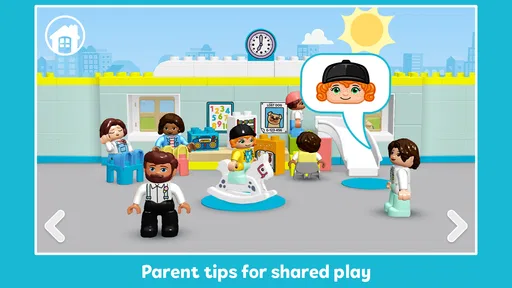

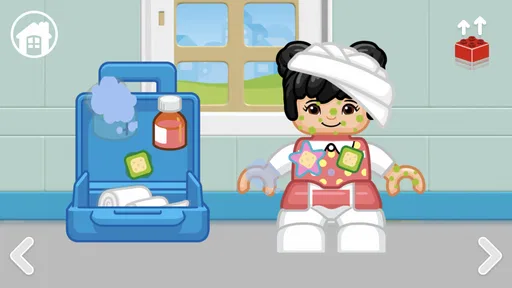
 Analysis by AppCompare
When I watch a young child try to make sense of a colorful screen, I care less about how many things it promises and more about whether the world feels inviting enough to explore. LEGO® DUPLO® World gets much of that first impression right: its familiar toy-inspired look makes digital play feel approachable, and its educational game format gives a parent a reason to sit nearby and talk through what is happening. I see it as best suited to short, shared play sessions, not as a substitute for real bricks, books, or time spent moving around.
A welcoming first impression, with a practical caveat
The game comes from StoryToys and is free to start, with in-app purchases ranging from $0.99 to $39.99 per item. That matters when deciding whether to hand a device to a child: the initial download does not necessarily mean every part of the experience is included at no cost. I would look at the purchase options with an adult before giving a toddler unrestricted access, and I would treat the free portion as a way to see whether the visual style and play suit your family.
Its Everyone age rating makes it a broadly family-oriented choice, but a rating is not a parenting plan. I still recommend playing together at first, both to see how a particular child handles the touch controls and to help turn the on-screen actions into a conversation. A child who is happy to explore at their own pace may enjoy it independently for brief stretches; a child who expects a clear goal or immediate rewards may need a grown-up to help make sense of the activities.
The game has an average rating of 4.2 from around 25,000 ratings, and it has been installed over 10 million times. Those figures suggest it has reached a large audience, but they do not tell me whether it fits a specific child. I would make that call based on the child’s interest in pretend play and the adult’s comfort with a game that mixes free access with optional purchases.
How its little world communicates
The toy-like setting is a useful part of the design, not just decoration. Familiar shapes and bright colors give young players a simple visual language to follow, while everyday themes make it easier to connect play with things they have seen outside the app. If a child notices an animal or a vehicle, I can ask what it does or where it might go instead of relying on the screen to teach everything by itself.
That makes the game particularly suited to a waiting-room visit or a quiet spell before dinner. I might let a child explore for a few minutes, then ask them to describe what they chose and why. This small pause can turn tapping into storytelling and gives me a chance to notice whether the child is making choices or simply touching whatever moves. The app is more useful as a prompt for play than as a hands-off lesson.
For a parent choosing among educational games, the distinction is worth keeping in mind. Some alternatives focus on drills, letters, numbers, or correct answers; those can be a better fit when you want a specific practice task. This one leans toward imaginative, themed exploration. I would choose it when a child is drawn to toy-like settings and open-ended play, and choose a more narrowly focused learning app when the goal is structured practice of a particular skill.
Worth Reading Before You Choose

Flipboard Shows What News Apps Must Do Beyond the Feed

Switching to Android Auto Means Rethinking Your Driving Routine

Google Calendar Makes a Crowded Week Easier to Manage

Ludo King Makes the Most of the Minutes Between Plans

Baby Panda World Brings Quick Play to Modern Phones, but Its Game Library Feels Busy

ESPN’s Live Game View Makes Following Close Games Easier
Endless Fun with LEGO® DUPLO® World
First off, let's talk about the immense variety this app has to offer. LEGO® DUPLO® World is designed for kids aged 2-5, and it’s packed with multiple play areas that mimic real-world scenarios. Whether your kiddo wants to explore a farm, dive deep into the ocean, or build their own creations, this app has got it all.
The interface is bright, colorful, and incredibly intuitive. Even the youngest of users can navigate their way around without any hassle. Trust me, I've seen my little niece swipe through the options like a pro. And if you’re worried about screen time, this app offers a nice balance with activities that encourage offline play too!
Learning through Play
What’s really neat about LEGO® DUPLO® World is how it seamlessly combines play with education. Kids are not just tapping away on a screen; they’re learning essential skills. We're talking about creativity, problem-solving, and basic math and language skills. The app is like having an interactive preschool in your pocket.
Each area is filled with mini-games and tasks that encourage kids to think critically and make decisions. For instance, my nephew loves the farm section where he gets to feed animals and harvest crops. It’s a fantastic way to introduce them to the concept of cause and effect.
Parental Controls and Safe Environment
Now, if you’re anything like me, a safe digital environment is a top priority. The developers have done a commendable job ensuring that LEGO® DUPLO® World is a secure space for kids. There are no third-party ads, and the app provides robust parental controls. You can monitor and limit the time your child spends on the app, giving you peace of mind while they play.
Plus, the app is designed to be played without Wi-Fi, so you can take it on the go without worrying about connectivity. This has come in handy on long car rides, let me tell you!
Regular Updates and New Content
One of the best things about LEGO® DUPLO® World is that it never gets old. The developers frequently update the app with new content and themes. It keeps things fresh and exciting for the kids, and I love watching them discover something new every time they play.
Themed areas like space adventures or jungle safaris keep them engaged and eager to learn. It’s like having a new toy delivered right to your device regularly.
What to expect from a real play session
For a realistic everyday use, I would bring it out when a child needs a calm activity during a short wait, rather than relying on it to fill a whole afternoon. Sitting together for the first few minutes helps reveal which scenes capture their attention and whether they understand what to do next. If they get stuck, I would describe what I notice and let them decide what to try, instead of taking over the screen. That keeps the child in charge of the play while making the experience more social.
One useful trade-off is that a digital building game cannot offer the same hand-eye experience as physical DUPLO bricks. A child can explore ideas on screen, but they are not handling pieces, feeling how they fit, or tidying them away afterward. I would use the app as a companion to real-world play: a scene can spark a pretend story, and then the child can continue it with toys or drawings. If your main aim is fine-motor practice through physical construction, actual bricks are the better choice.
Before a trip, I would open the game while connected and check that the content I want to use is available on the device. Since it can be played without Wi-Fi, it is convenient for travel, but a quick check at home avoids discovering a problem when a child is already expecting a distraction. I would also keep the device in an adult’s hands during purchase-related decisions; a young player may not understand the difference between exploring and buying something.
Sound, pacing, and adult involvement
The atmosphere works best when the child can take time to look around rather than being hurried toward a single correct answer. That slower, exploratory feel suits pretend play, though it may not hold every child’s attention equally. A child who prefers fast challenges, competition, or a clear sequence of levels may find this style less compelling. I would not insist that every activity is automatically educational just because it is in a learning game; the value often comes from the child making choices and an adult helping them put those choices into words.
For a caregiver, a good approach is to let the child lead and ask one simple question at a time: what are they trying to do, what changed, or what might happen next? This can reveal whether the activity is encouraging thought or merely keeping fingers busy. It also gives the adult an easy way to stop at a natural moment, rather than using the app as an open-ended screen-time solution.
Compatibility is another practical question. The game’s current version is 33.1.1 and its stated minimum operating system is Android 6.0, so I would check the device’s system version before planning to install it. If you are choosing between a tablet and a phone, a larger screen can make it easier for a young child to see the scenes and reach the controls, though the best device is still one the adult can supervise comfortably.
LEGO® DUPLO® World is not the right pick for every family. I would skip it if you want a completely free experience with no in-app purchases, if you need a focused lesson in one particular school skill, or if your child is happiest away from screens. I would also look elsewhere for a game built around fast action or a tightly guided progression. Its appeal is strongest when a young child enjoys familiar pretend settings and an adult is willing to make occasional play a shared activity.
Final Thoughts
In a world filled with countless apps, LEGO® DUPLO® World stands out as a superb blend of fun and learning. It’s a digital playground that not only entertains but also educates. If you’re looking for an app that will keep your little ones engaged while teaching them valuable skills, this is it.
So, go ahead and give it a try. You’ll find yourself amazed at how quickly your child becomes immersed in the world of LEGO® DUPLO® World. Trust me, their creativity and curiosity will thank you for it.
Ready to jump into the fun? Download LEGO® DUPLO® World on Android and iOS today! It’s time to let the building begin.
Pros
- Engaging educational content for kids.
- Encourages creativity and imagination.
- Safe and child-friendly environment.
- Features diverse
- colorful characters.
- Easy navigation for young users.
Cons
- In-app purchases can add up.
- Limited free content available.
- Requires internet for full access.
- May not challenge older kids.
- Occasional loading delays reported.
FAQs for LEGO® DUPLO® World
What age group is LEGO® DUPLO® World suitable for?
LEGO® DUPLO® World is designed for children aged 2 to 5 years. It's tailored to help young children develop essential skills such as creativity, problem-solving, and early literacy through engaging and interactive play. The app offers a safe and child-friendly environment where parents can feel confident letting their little ones explore.
Is LEGO® DUPLO® World free to download and play?
The app is free to download, offering a selection of free content to get started. However, it also features in-app purchases to unlock additional levels and activities. Parents can control these purchases through parental settings, ensuring a secure experience for their children while accessing premium content.
What educational benefits does LEGO® DUPLO® World offer?
LEGO® DUPLO® World focuses on early learning skills such as numeracy, literacy, and social-emotional development. Through interactive play, children can enhance their understanding of numbers, letters, and basic problem-solving. The app also encourages creativity and imagination, providing a well-rounded educational experience for preschoolers.
Does LEGO® DUPLO® World require an internet connection?
An internet connection is initially required for downloading the app and any additional content. However, once downloaded, many activities can be played offline. This makes it convenient for travel or situations where a stable internet connection may not be available, ensuring uninterrupted playtime for children.
How does LEGO® DUPLO® World ensure a safe environment for children?
LEGO® DUPLO® World is designed with children's safety in mind. It includes parental controls to manage in-app purchases and access to content. The app also features a user-friendly interface that prevents children from navigating away from the app or accessing external links, ensuring a secure play environment.


